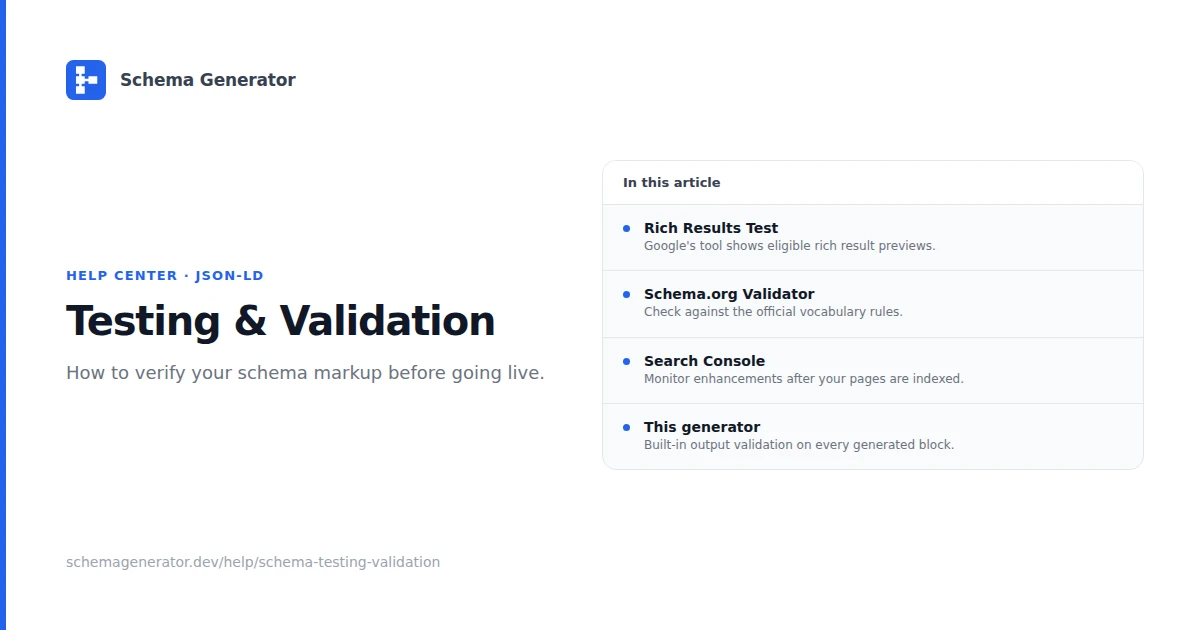
Schema Testing & Validation
Run these checks every time you add or change structured data on a template.
Tools
| Tool | Use for |
|---|---|
| Google Rich Results Test | Rich result eligibility and Google-specific warnings |
| Schema.org Validator | JSON syntax and Schema.org type validation |
| Google Search Console | Production errors and enhancement status after indexing |
Validation workflow
- Draft check: Paste JSON-LD into validator.schema.org before deploy
- URL check: Test the published URL in Rich Results Test
- Regression check: Re-test after CMS or theme updates
- Monitor: Review Search Console structured data reports weekly after launch
Common errors
Missing required property
Add the field reported by the validator. Cross-check the type on schema.org and Google's rich result docs.
Invalid data type
URLs need https://. Dates use ISO 8601. Numbers stay unquoted unless the spec expects a string.
Invalid URL
Use absolute URLs. Test that the URL returns 200 and is not blocked by robots.txt.
Duplicate markup
Search page source for multiple application/ld+json blocks describing the same entity. Consolidate to one.
Pre-launch checklist
- JSON parses without errors
@contextishttps://schema.org@typematches page content- Required properties for the type are present
- Visible page content matches JSON-LD values
- No fabricated ratings or reviews
After launch
Watch Search Console for new warnings. Fix template-level issues once rather than patching individual URLs by hand when possible.
Related: Common Schema Markup Mistakes, Troubleshooting Guide.