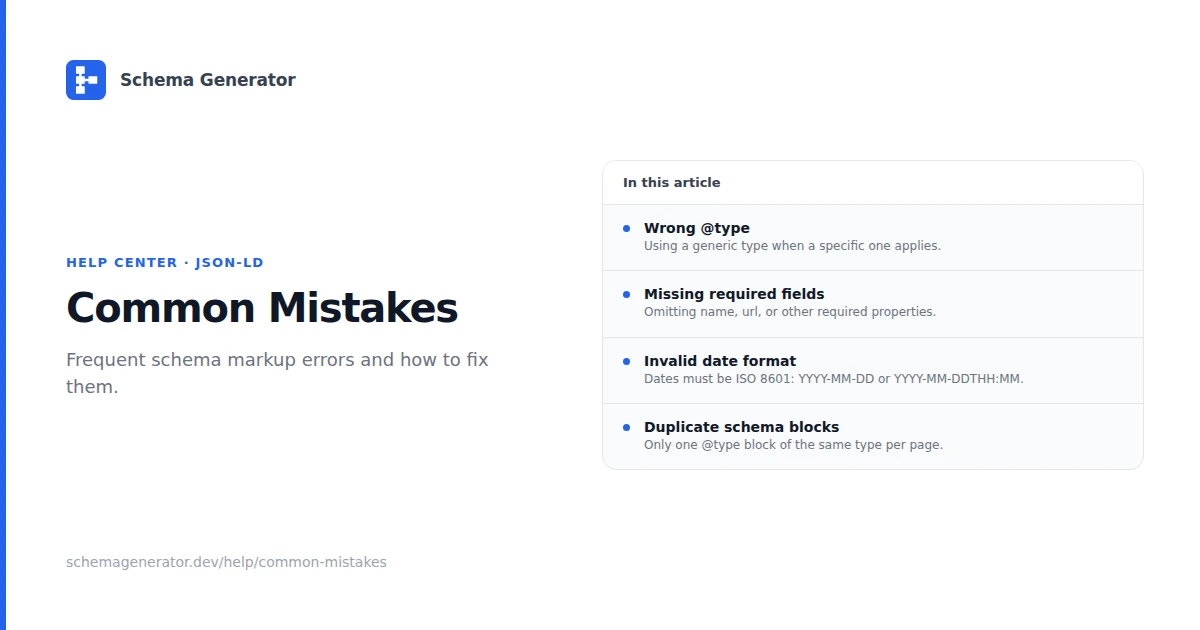
Common Schema Markup Mistakes
These issues show up often in validator output and Search Console. Fix them before expecting rich results.
Wrong schema type
Problem: A product page uses WebPage markup, or a person profile uses Organization.
Fix: Match @type to the primary entity on the page. Use the most specific type available on Schema.org.
Missing required properties
Problem: Validators report missing name, image, or type-specific fields.
Fix: Check Google's documentation for the type, then use the Schema Generator to include required fields.
Markup does not match visible content
Problem: JSON-LD lists prices, ratings, or FAQ answers that are not on the page.
Fix: Remove properties that are not shown to users. Google treats mismatches as spam.
Invalid JSON-LD
Problem: Trailing commas, unclosed braces, or HTML inside the script block break parsing.
Fix: Paste output into validator.schema.org. Use JSON.stringify when generating markup in code.
Too many types on one page
Problem: Multiple unrelated @type objects compete or duplicate the same entity.
Fix: One primary entity per page when possible. Nest related objects (author inside Article) instead of adding unrelated types.
Duplicate blocks
Problem: Two Product objects or the same FAQPage repeated by a plugin and custom code.
Fix: View page source, keep one authoritative block, disable duplicate plugin output.
Testing workflow
- Google Rich Results Test on the live URL
- Schema.org Validator on the raw JSON
- Search Console Enhancements report after deploy
For deeper debugging, see Schema Troubleshooting.