Schema Performance Optimization
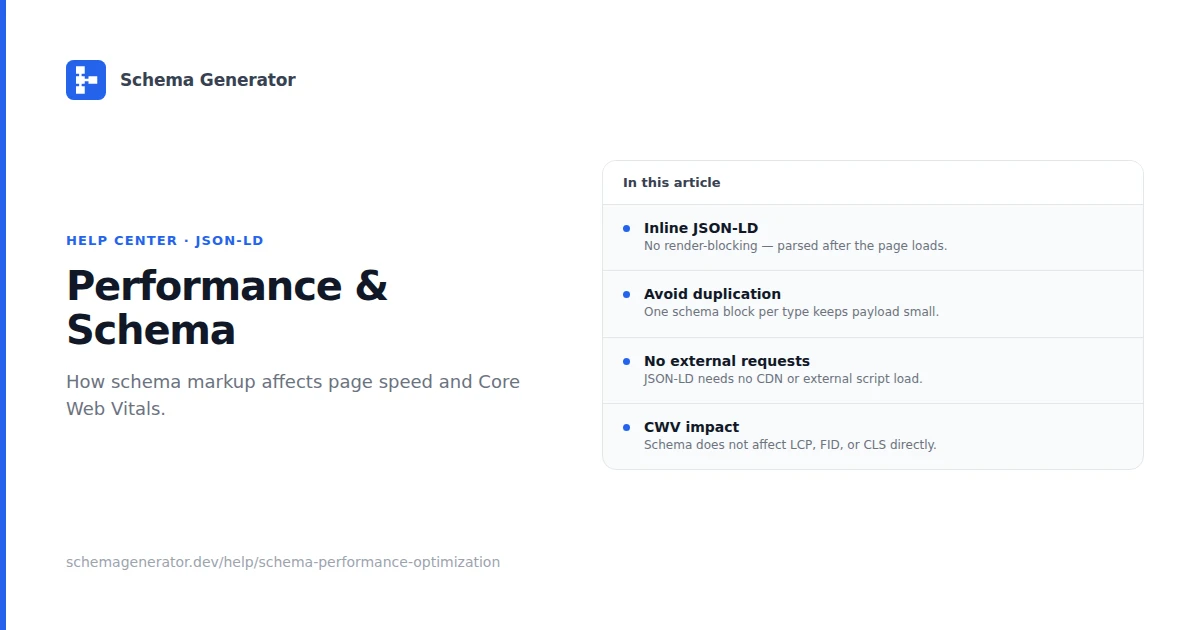
JSON-LD is usually small compared to images and scripts. These practices keep markup from becoming a maintenance or render problem.
Size
- Include properties you can support on the page; skip speculative fields
- Avoid embedding large base64 blobs or full article bodies in JSON-LD
- Split very large item lists across pages rather than one giant ItemList
Placement
- Prefer a single
<script type="application/ld+json">in the head or end of body - Server-render JSON-LD with the page HTML when using SSR/SSG
- Avoid injecting markup with client JavaScript after load unless the data is truly dynamic
Do not async-load required metadata
Search crawlers read HTML source. Deferring JSON-LD with async loaders can mean crawlers miss it. Inline or server-render instead.
Caching
- Cache CMS/API responses that feed schema builders
- Invalidate cache when editors change fields mapped to structured data
Measuring impact
Use Chrome DevTools Network tab: JSON-LD should be a few kilobytes at most for typical pages. If a plugin adds hundreds of kilobytes, audit what it outputs.
Core Web Vitals are driven mainly by images, fonts, and JavaScript. Fix those before micro-optimizing schema bytes.
Checklist
- One concise JSON-LD block per primary entity
- No duplicate plugin + custom markup
- Server-rendered on critical templates
- Re-validate after theme or plugin updates
See Schema Testing & Validation for validator links.