CMS Integrations Guide
Every CMS can output JSON-LD. The method depends on how your site renders HTML: theme templates, Liquid, custom code embeds, or API-driven front ends.
Platform guides
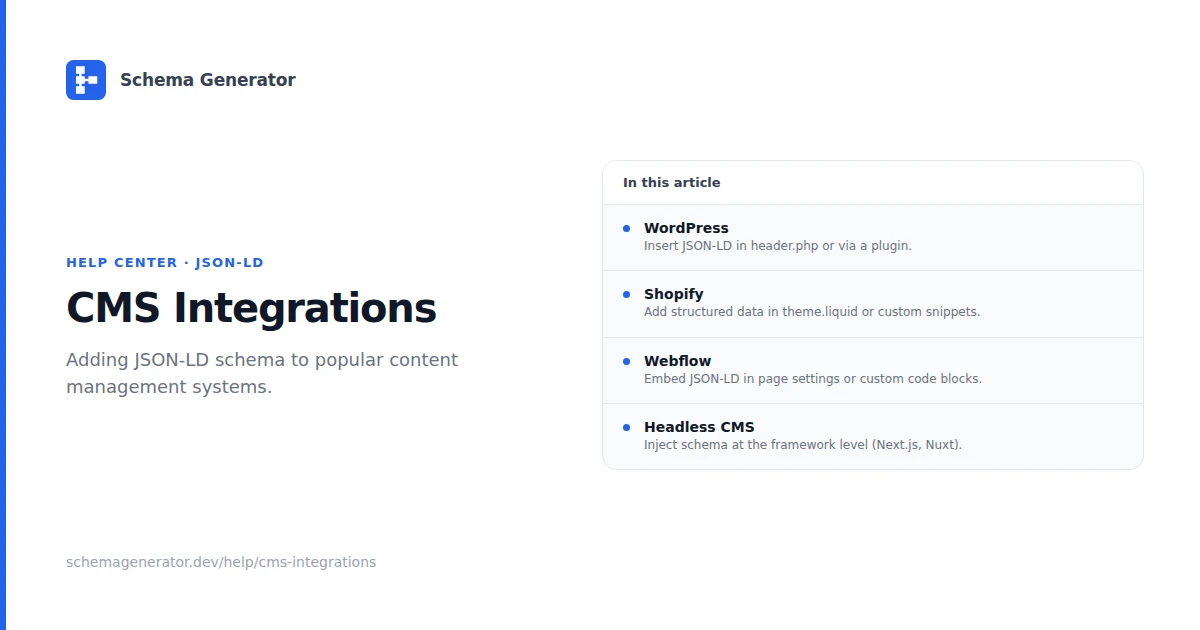
| Platform | Typical approach | Detailed guide |
|---|---|---|
| WordPress | SEO plugins or theme hooks | WordPress Schema |
| Shopify | Liquid in theme files | Shopify Schema |
| Webflow | Custom code or CMS fields | Webflow Schema |
| Headless CMS | Build-time or API generation | Headless CMS Schema |
Choose an implementation path
Plugin or app
Use when your CMS has a maintained SEO plugin (Yoast, RankMath, Shopify apps). Faster setup, less control over field mapping.
Theme or template code
Use when you need Liquid variables, WordPress hooks, or Webflow CMS bindings. You control which fields map to Schema.org properties.
Build-time generation
Use with Next.js, Gatsby, or similar. Generate JSON-LD from CMS API data during static build or server render.
Workflow for any CMS
- Identify the page type (Product, Article, Organization, etc.)
- Build markup with the Schema Generator
- Map CMS fields to JSON-LD properties
- Output a
<script type="application/ld+json">block in the page head - Validate with Google Rich Results Test
- Monitor Google Search Console for structured data errors
Rules that apply everywhere
- Markup must match visible page content
- One primary entity per page when possible
- Update JSON-LD when CMS content changes
- Do not add ratings, prices, or FAQ answers that are not on the page
Pick your platform guide above for step-by-step instructions.